




Between work and weekend plans
A recipe · A watch · The budget
That grilled steak recipe from the other day?
Flowy is an AI inbox for links, reels, screenshots and documents. Share from your iPhone, Android or Chrome, and when you need it, ask “how did that sourdough recipe go?” to get back to the source.
Share links, upload files, or save text. All in your Flowy.
A recipe over coffee. An outfit between messages. Save it in a second and get on with your day.
A recipe · A watch · The budget
That grilled steak recipe from the other day?
An outfit · A serum · A routine
What was that serum from the reel?
Scenes from the Flowy campaign. Illustrative examples.
Share from any iPhone or Android app, from Chrome, or on the web.
Flowy reads it, writes a short summary and adds tags, so you can see what it’s about.
Ask in your own words. Every answer links to the saves it came from.
Keep links, posts, videos, screenshots, receipts and documents in one inbox. Send them from the share menu or add them on the web.
A word, a topic or a type of content. Search your inbox and narrow it down by category or tag when you need to.
Ask about your saves the way you’d ask a person. Answers link to the content they draw on, so you can check it yourself.
I have ADHD. I save articles, reels, recipes and ideas because I want to come back to them. But when I need them, I end up digging through tabs, screenshots and messages.
I built Flowy to fix something I ran into every day: I wanted to save something without deciding where it belonged, and find it without remembering the exact title. To ask “where was that thing I saw?” and have somewhere to start.
If you save more than you get around to reading, this might sound familiar. That’s where Flowy started: wanting to return to something that interested me without making it another chore.
 CJCreator of Flowy
iPhone, Android, Chrome and the web. Sign in with the same account and it’s the same inbox everywhere.
iPhone
Share a link, reel or screenshot to Flowy from any app, then find it again in your own words.

Android
Share to Flowy from any Android app. Your saves, summaries and chat come with you.

Chrome extension
Save the page you’re on with one click or ⌘⇧S, and archive a whole window of tabs to restore later.
Web
Browse your inbox, read the summaries and chat with your saves from any browser.
On a paid plan? Ask about your saves from ChatGPT and Claude, too. See how it works
Apple and the Apple logo are trademarks of Apple Inc., registered in the U.S. and other countries. App Store is a service mark of Apple Inc. Google Play and the Google Play logo are trademarks of Google LLC. The Android robot is reproduced or modified from work created and shared by Google and used according to terms described in the Creative Commons 3.0 Attribution License.
Free includes 100 saves a month. Paid plans start at $9 a month, with more saves, AI actions and shared groups.
Free
Explore Flowy at no cost.
$0/mo
Starter
For a steady stream of links, reels and screenshots.
$9/mo
Plus
Unlimited saves and a real research assistant.
$15/mo
Pro
A daily digest that fits how you like to catch up.
$25/mo
Flowy is an AI inbox for the things you save: links, reels, posts, screenshots and documents. Share them from your phone, Chrome or the web. Flowy summarizes each one, and later you find anything by asking, with a link back to the source.
Yes. The Free plan includes 100 saves a month, with no card required. Free is free forever. Paid plans start at $9 a month and add more saves, more AI actions and shared groups.
Yes. Share a reel, a TikTok, a YouTube video, a post or any link to Flowy from your phone’s share menu. Flowy keeps it with the text it can extract, so you can find it later by what it was about.
Yes. Flowy is on the App Store for iPhone, on Google Play for Android, in the Chrome Web Store as an extension, and on the web. Sign in with the same account and it’s the same inbox everywhere.
No. We don’t use your content to train AI models, we don’t sell personal information and we don’t use advertising trackers. Your saves stay until you delete them, and you can delete your account from Settings at any time.
Yes, on paid plans. Connect Flowy to ChatGPT, Claude or another MCP-compatible assistant to search your saves and save new links without leaving the conversation. You approve read or save access when you connect, and you can revoke it any time in Settings → Connections.
Releases and small changes that make saving and finding easier.

Flowy lives in your phone’s share menu. Here is how to send it a Reel, a recipe or an article, and how to keep it one tap away.
Most of what you want to keep shows up on your phone: a Reel, a recipe someone posted, an article a friend sent you. You don’t need to open Flowy to save it. Flowy sits in your phone’s share menu, so saving takes the same two taps in every app.
Download Flowy for Android from Google Play. Share from any app, keep it all in one inbox and find it again in your own words.
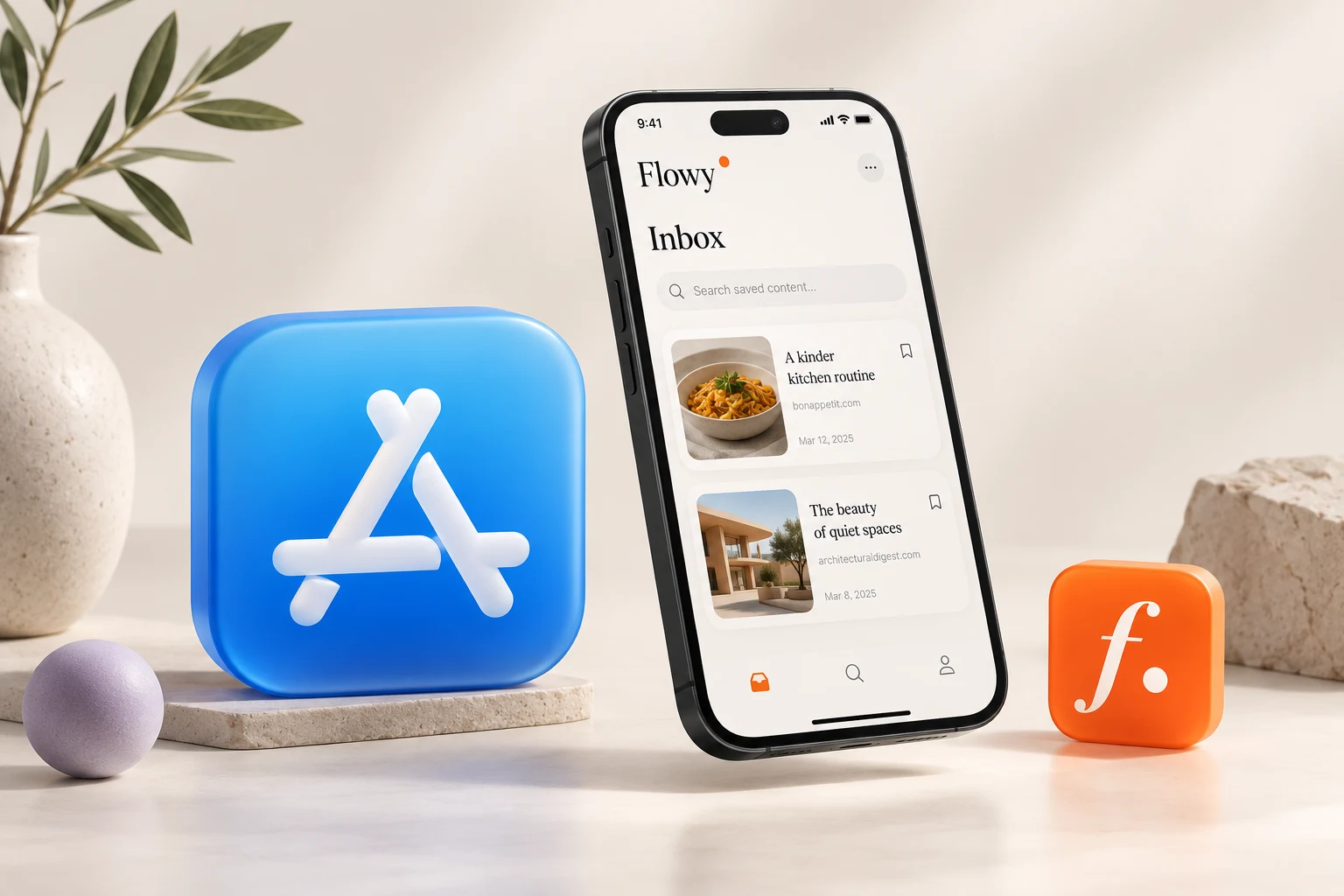
Download Flowy for iPhone from the App Store. Save what catches your eye and find it again in your own words.

Flowy MCP is live: search and read your saved items from Claude or ChatGPT, then get answers with citations. Included with paid Flowy plans.

Warm paper, deep graphite, a signal of orange and a touch of lavender: a more recognizable visual language for everything you save.
Save it in Flowy. Then find it in your own words. Now on the App Store and Google Play.
Available on iPhone and Android · Also on the web and Chrome